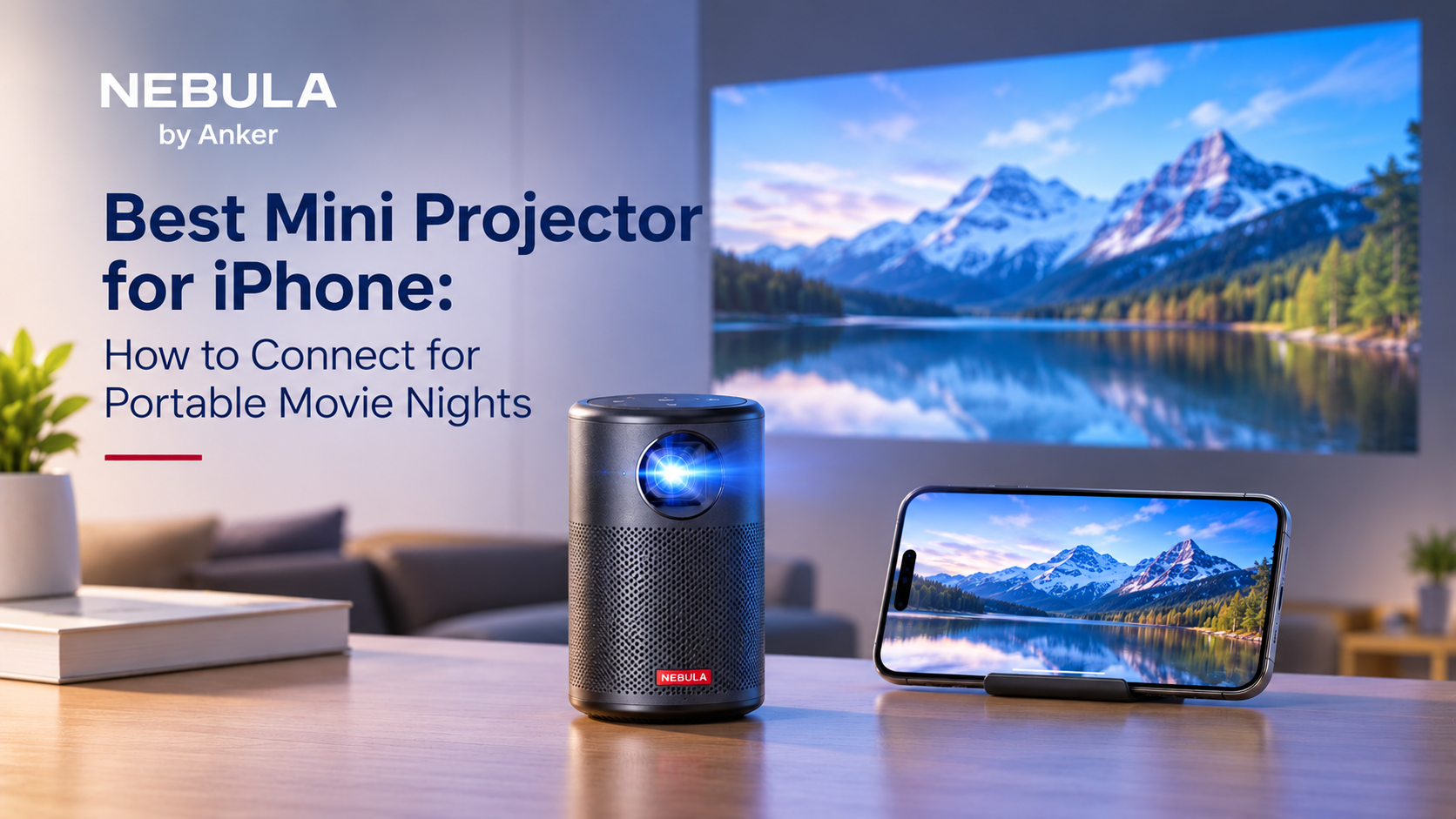
Movie night used to need a TV, a sofa, and a power outlet. A mini projector changes that. It fits in a bag, and your iPhone can send a film straight to a wall. The hard part is choosing the best mini projector for iPhone and getting the two to connect. This guide covers both, with simple steps for portable movie nights.
Quick answer: The best mini projector for iPhone is a portable model with a built-in battery, built-in speakers, and either AirPlay or an HDMI input. On Nebula Android TV projectors, AirPlay is not preloaded. You install the Nebula Cast app on the projector, then pick it from Screen Mirroring on your iPhone. An HDMI adapter is the wired backup.
What to Look for in the Best Mini Projector for iPhone
Choosing the best mini projector for iPhone comes down to a handful of specs. Check these before you buy:
- Brightness in ANSI lumens, since other lumen figures are often higher on paper
- Resolution, with 1080p giving sharper film and text than 720p
- A built-in battery with enough playtime for a full film
- Built-in speakers, so you do not need extra gear
- A smart platform such as Android TV, so you can install streaming apps directly
- Auto focus and keystone correction, so the picture stays square without manual tweaks
The best portable projector for iPhone is one you can carry and set up in under a minute. Small size and automatic focus matter more than a long spec list, because you will move it often.
Battery life decides how long the film runs away from a socket. Check the rated playtime, and plan for less when the screen is bright and the volume is high.
How to Connect the Best Mini Projector for iPhone With AirPlay
AirPlay is the easiest wireless option. It runs over Wi-Fi, not Bluetooth, so both devices must share a network.
Screen mirroring shows everything on your iPhone display on the wall, including photos, home videos, and apps. Follow these steps on a Nebula Android TV projector:
- Turn on the projector and connect it to Wi-Fi.
- On the projector, open the Google Play Store and install the Nebula Cast app.
- Connect your iPhone to the same Wi-Fi network.
- Open Control Center on the iPhone and tap Screen Mirroring.
- Choose your Nebula projector from the list.
No Wi-Fi nearby? Both devices can join the same phone hotspot instead. Apple explains how mirroring works in its AirPlay support guide.
Chromecast and HDMI: Two More Ways to Connect
Chromecast works well for streaming apps, and some Nebula projectors have it built in. In a Chromecast-enabled app on your iPhone, tap the cast icon, then choose the projector. The projector streams the video itself, so your phone stays free for other tasks.
HDMI is the wired option. A Lightning or USB-C to HDMI adapter links the iPhone to the projector’s HDMI input. The iPhone 15 and later models use USB-C, while older models use Lightning. This route needs no Wi-Fi, which helps in places with a weak signal.
Why Some Streaming Apps Will Not Mirror
Copyrighted content from services such as Netflix, Disney+, and Prime Video usually cannot be mirrored over AirPlay on Nebula projectors. The apps block it to protect the content. Instead, install the streaming app on the projector where it is supported, and sign in there. You can then play the film without using your iPhone at all.
Best Mini Projector for iPhone Setup Tips for Portable Movie Nights
A few habits make any movie night run smoother. Try these before you press play:
- Charge the projector fully before you leave home
- Place it on a stable, level surface, and check the throw distance in the manual
- Pick a plain, light-colored wall, or bring a portable screen
- Wait for dusk or dim the lights, since mini projectors look best in low light
- Run auto focus and keystone correction before you sit down
Best Mini Projector for iPhone Movie Nights in the UAE
UAE evenings from late autumn to spring suit outdoor movie nights. A balcony, a rooftop, or a majlis works well, and so does a desert camp. Because many outdoor spots have no Wi-Fi, a phone hotspot or an HDMI adapter keeps the film running.
Heat needs care. Keep the projector out of direct sun, and never leave it in a parked car. Heat wears down the battery and can trigger overheating warnings.
Where to Buy Genuine Anker Nebula Projectors in the UAE
Genuine stock matters for a device with a battery and built-in software. A grey market unit may come without warranty cover, and you may have no support if something fails.
An authorized anker distributor in UAE supplies genuine Nebula projectors with verified availability and valid warranty cover.
You can browse the full Nebula projector range to compare portable models by brightness, battery, and connection options.
Frequently Asked Questions
Can an iPhone connect to a mini projector wirelessly?
Yes, through AirPlay. On Nebula Android TV projectors, install the Nebula Cast app on the projector first. Then put the iPhone and the projector on the same Wi-Fi network or hotspot.
Do I need an adapter to connect my iPhone?
Not for AirPlay. For a wired link, you need a Lightning or USB-C to HDMI adapter, depending on your iPhone model.
Why can’t I mirror Netflix or Disney+?
These apps block mirroring to protect their content. Install the app on the projector instead, where it is supported, and sign in there.
Can I use a mini projector without Wi-Fi?
Yes. Use a phone hotspot for AirPlay, or connect the iPhone with an HDMI adapter.
Will a mini projector work in daylight?
It works best in low light. Bright daylight washes out the picture, so wait for dusk or use a shaded room.
Final Thoughts
The best mini projector for iPhone is the one that connects easily, runs long enough for your film, and suits where you watch. Check the brightness, the battery, and the connection method before you buy. AirPlay covers most needs, and an HDMI adapter is a reliable backup. If you want help choosing a Nebula projector, get in touch with Anker UAE.